
Automated client reporting for agencies

Client portals and reports built by asking Claude or ChatGPT, on tracking you can trust.

How it works

A client’s reporting, set up in an afternoon

Google Ads
Meta Ads
GA4
Google Tag Manager
Piwik PRO
LinkedIn
TikTok Ads
HubSpot

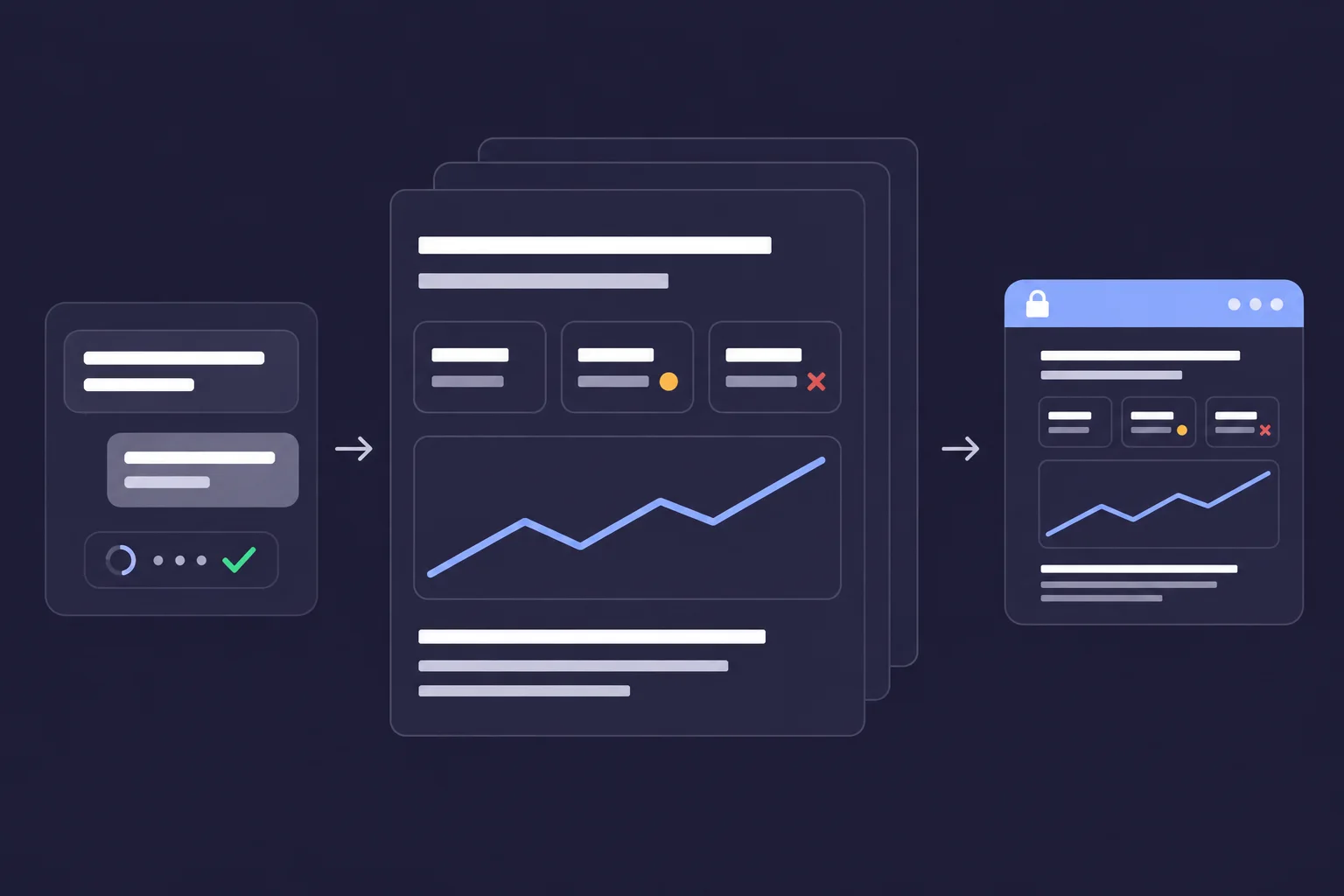
1. Connect the client

Add a workspace and connect the client’s ad platforms, analytics, CRM and tag manager (GTM or Piwik PRO).

Portal domain

reports.youragency.com

Brand colours

2. Brand the portal

Set up the client’s portal with your logo and colours, and run it on your own domain.

Build the October report for this client
Draft ready. Publish it to their portal?

example conversation

3. Build and publish

Build the report in Claude or ChatGPT through the MCP, then publish it to the client’s portal.

Product

From accurate tracking to a client report

01

Tracking

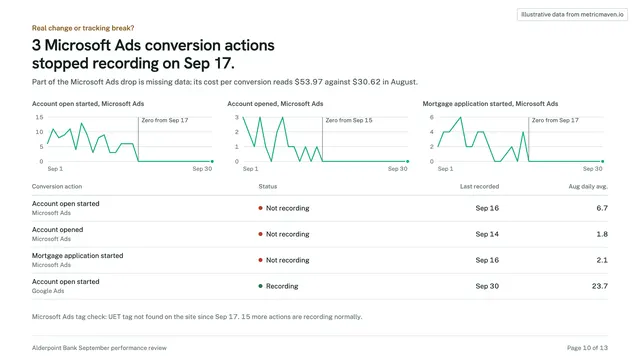
Audit and set up accurate tracking

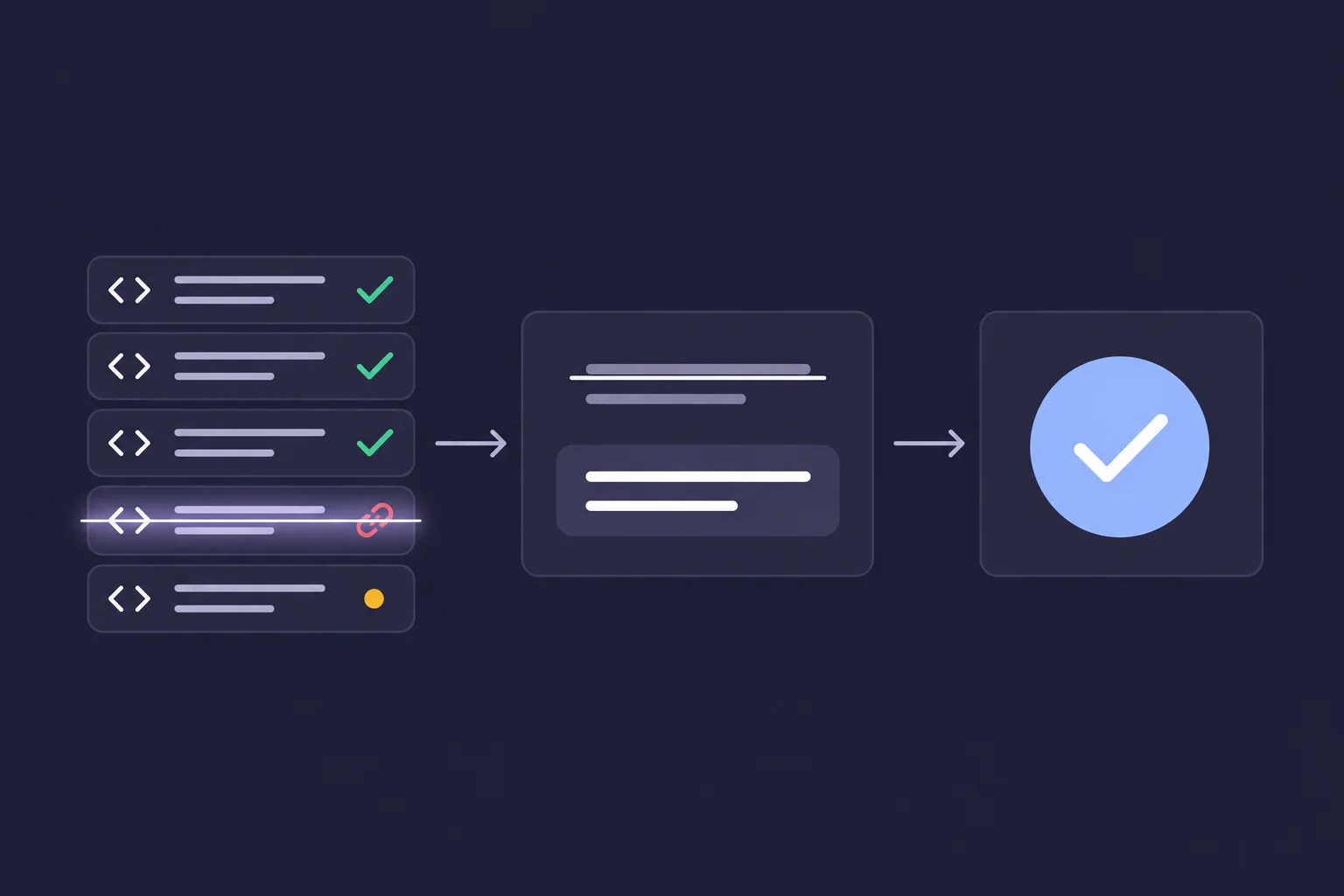
A client report is only as good as the tracking behind it. Connect the client’s Google Tag Manager or Piwik PRO Tag Manager and Maven’s validation tools audit their tags and pixels, stage the changes with QA evidence, and publish only after you approve.
  • GTM or Piwik PRO

    Connect each client’s Google Tag Manager or Piwik PRO Tag Manager so Maven can read the container and stage changes.

  • A full tracking audit

    Finds broken, degraded and stalled pixels and events, tags with no trigger, and GA4 measurement-ID mismatches.

  • Approved before it’s published

    Every change is staged with QA evidence, and goes live only after you approve it.

  • Server-side conversions

    Server-side GTM for Google Ads, Meta, LinkedIn and ChatGPT ads, so conversions keep flowing when browsers and ad blockers drop them.

  • Consent built in

    Server-side tags run under Google Consent Mode or a strict policy that only sends advertising data with consent.

  • Checked every day

    Tracking health checks run daily, so a broken pixel is caught before it shows up in a report.
02

Sources and targets

Connect every source, set the targets

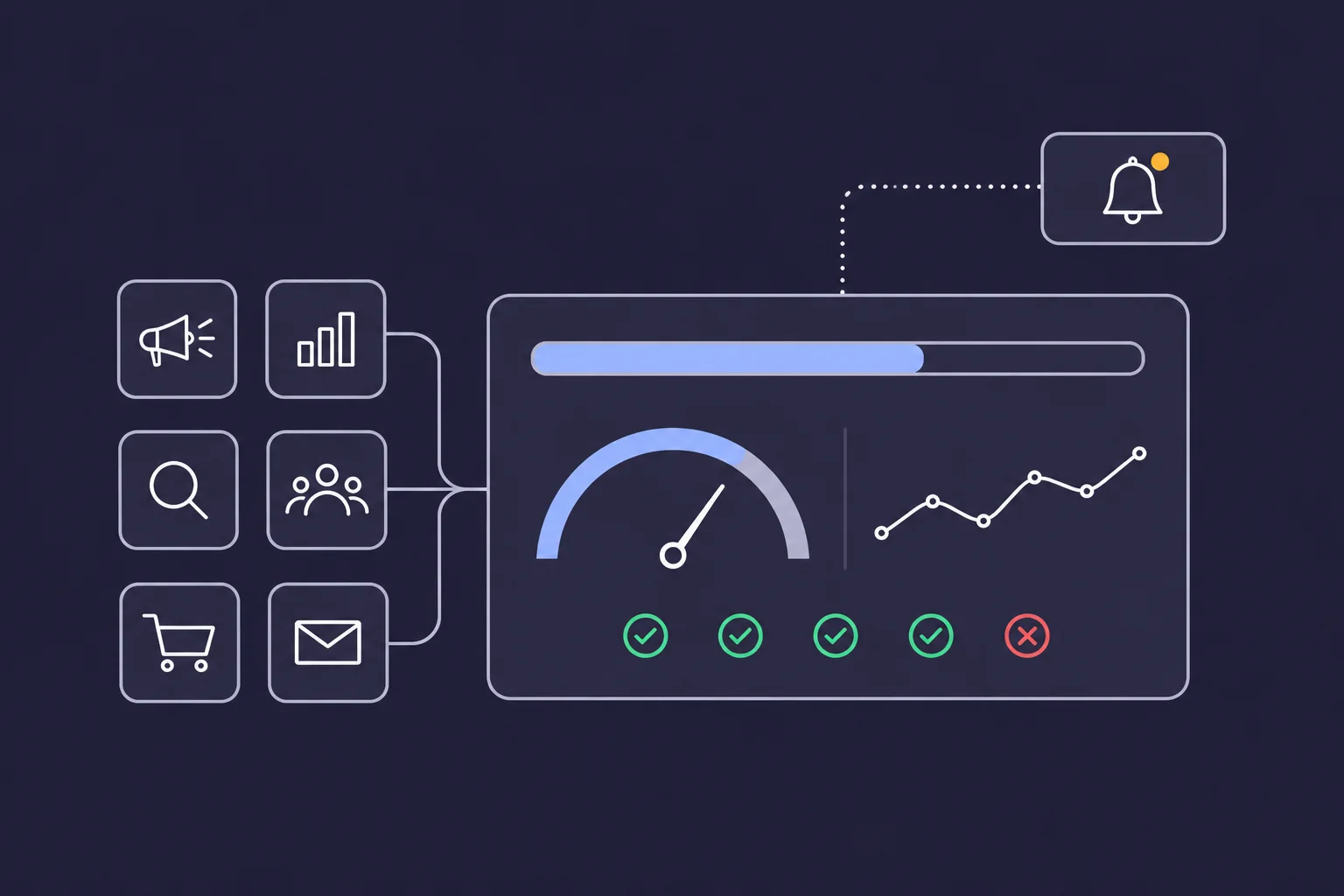
Connect all of a client’s ad, analytics and CRM sources, define the KPIs that matter to them, and set their goals and budgets. If any tracking breaks, you get an alert.

  • All the client’s sources

    Ad platforms, analytics, CRM and commerce sources connect to the client’s workspace.

  • KPIs per client

    Define the KPIs each client is judged on, so every report starts from the same numbers.

  • Goals and budgets

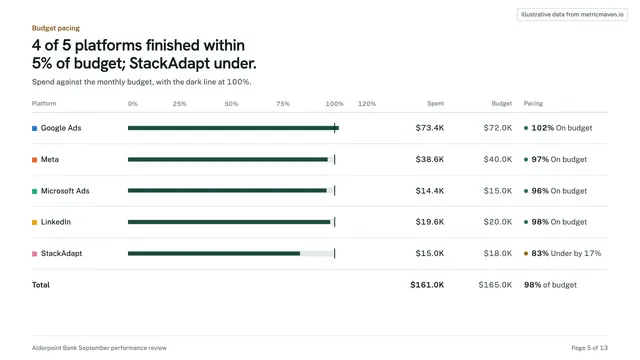
    Set goals and budget targets, and track pacing against them across channels.

  • Alerts when tracking breaks

    Get an alert when a pixel, event or tag stops working, before the client notices.

  • A daily brief

    A morning summary of tracking health and budget pacing for each client workspace.

  • One workspace per client

    Each client’s sources, targets and reports live in their own workspace, kept apart from every other client.

03

Reports

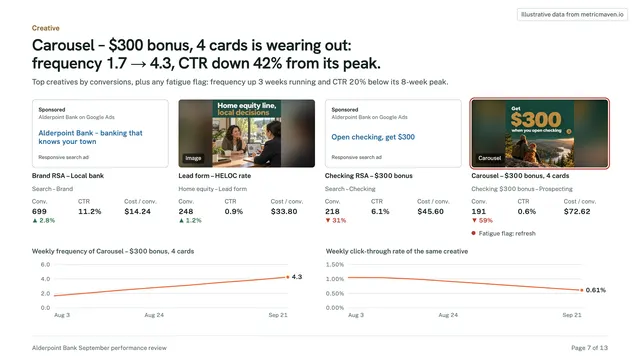
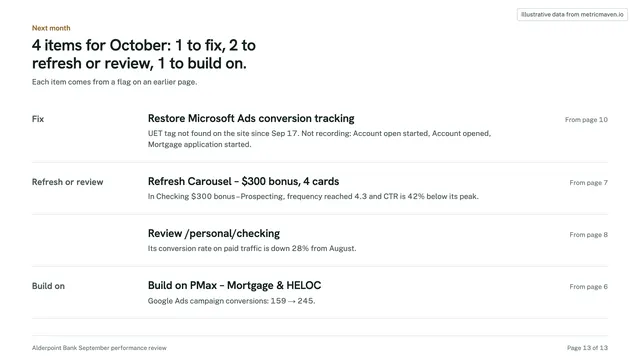
Build the report in minutes with Claude or ChatGPT

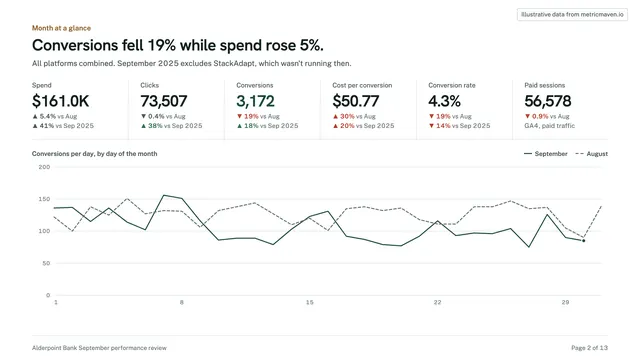
Ask Claude or ChatGPT through the MCP and the report is built from the client’s data. Publish it to the client’s portal, white-labelled on your own domain, so the client sees your agency.

$ claude mcp add --transport http maven https://mcp.metricmaven.io/mcp
  • Works with the tools you use

    Claude (Team, Enterprise and individual plans), ChatGPT, Claude Code, Cursor and any client that supports Streamable HTTP.

  • Reports and decks from a prompt

    Build reports and decks, export them to PDF or PowerPoint, and schedule recurring deliveries.

  • Answers to follow-up questions

    Spend, conversions, revenue and pacing across a client’s connected sources, in one question.

  • Nothing changes without a yes

    Reading data is open. Publishing and other changes run only after the assistant confirms with you, and tracking settings are never exposed.

  • A portal on your domain

    The client portal runs on your subdomain or custom domain with your logo, colours and brand theme.

  • Secure client access

    Clients sign in to their own portal with optional multi-factor authentication, or open a private share link.

Integrations

Works with your clients’ stack

107+ sources across ads, analytics, CRM and commerce.

Google Ads
Meta Ads
GA4
Google Tag Manager
Piwik PRO
LinkedIn
TikTok Ads
HubSpot
Salesforce
GoHighLevel
Shopify
Microsoft Ads
ChatGPT Ads

See all integrations →

Pricing

$500 a month per workspace.

One workspace per client or brand, flat monthly price. No ad-spend scaling, no seat counts.

Every workspace includes

  • Unlimited sources and conversion destinations
  • Reports, decks and alerts in Claude, ChatGPT, Claude Code or Cursor
  • Tracking audit and GTM or Piwik PRO changes you approve
  • Server-side conversions under Consent Mode
  • KPIs, goals, budgets and tracking alerts
  • White-label client portal on your own domain, with your logo and colours
  • Private share links and optional client MFA

Agencies

By quote

Per-client pricing for your whole roster, with one view across every client workspace.

Book a demo for a quote →

Managed by MetricMaven

MetricMaven sets up tracking and runs Maven for your clients, under your brand.

See MetricMaven →

FAQ

Frequently asked questions

What does Maven cost?+

$500 a month per workspace. Agencies with several clients get per-client pricing for the whole roster, with the white-label portal included. Book a demo for a quote.

Is there a free trial?+

Yes. Start a 14-day trial with no credit card: set up your first client workspace, connect their sources and your AI tools, and publish a report to their portal. Nothing is charged unless you subscribe.

What is a workspace?+

One client or one brand. A workspace holds that client’s connected sources, their portal, their reports and their tracking, kept separate from every other client.

Can the client portal run on our own domain?+

Yes. Use a subdomain or add a custom domain and verify it with DNS records, and the logo, colours and custom CSS are all yours. The white-label portal is included.

Which AI tools does the MCP work with?+

Claude on Team, Enterprise and individual plans, ChatGPT (apps, on the web), Claude Code, Cursor and other clients that support Streamable HTTP MCP servers. ChatGPT Pro is read-only, so creating reports or alerts there needs a Business, Enterprise or Edu workspace.

Can the AI change things without asking?+

No. It can read data and draft reports and alerts. Publishing and other changes only happen when you ask, and the assistant confirms first. Tag and tracking settings are not available through the MCP.

Can Maven publish to a client’s tag manager without us?+

No. Changes to a client’s Google Tag Manager or Piwik PRO Tag Manager are staged and QA-checked first, and go live only after you approve them.

Do you offer services or implementation work?+

Yes, through MetricMaven, the team that builds Maven. Run Maven yourself, or have MetricMaven set up tracking and run it for your clients under your brand. Your agency keeps the client relationship either way.